

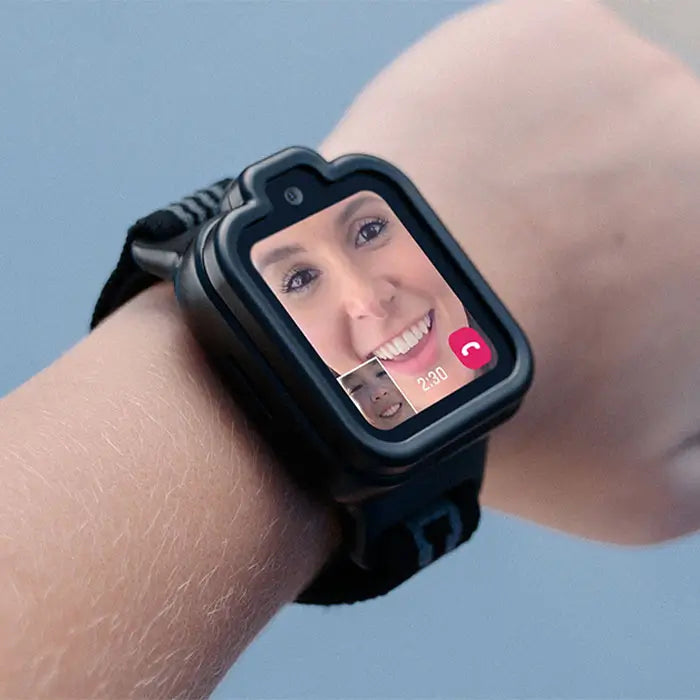
Kids can use TickTalk 6 FaceTalk™ video calling to do a Halloween costume reveal for a friend or family member. Your child calls an approved contact, counts down, and shows off the costume on camera. It is a simple, fun way to share the excitement of Halloween, even when the person they want to impress is not in the same room.
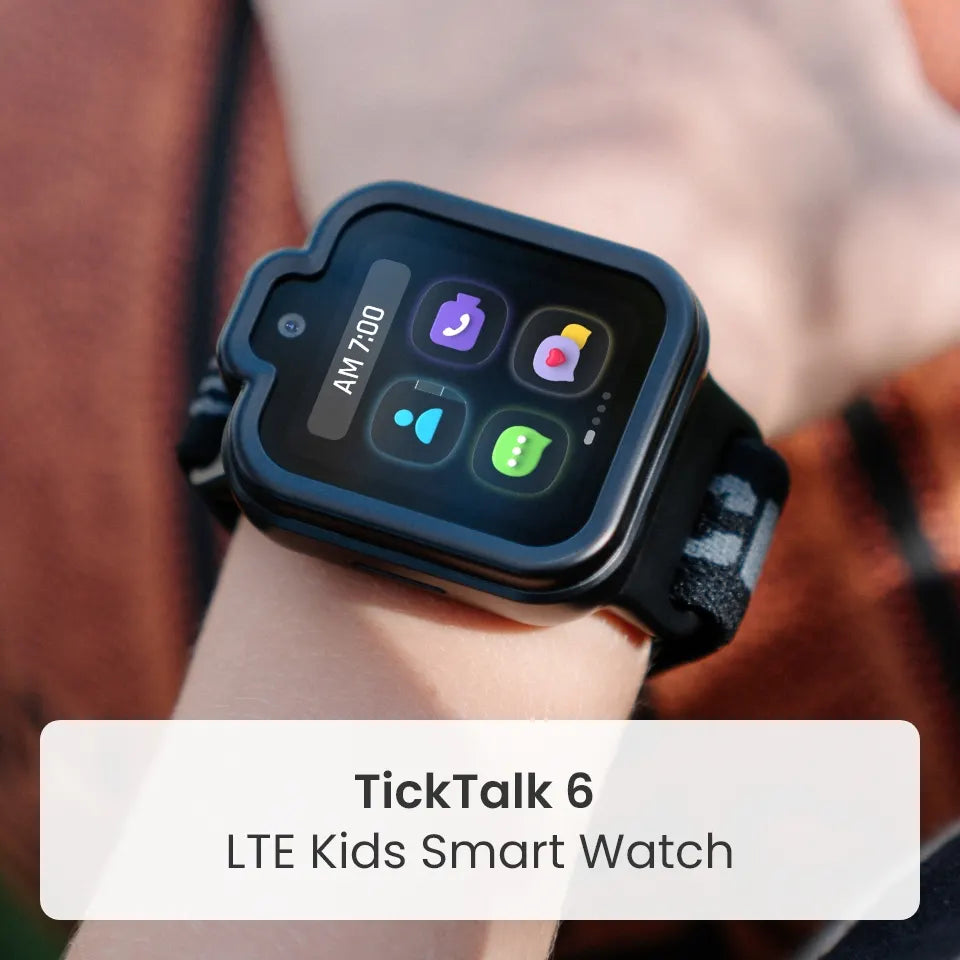
TickTalk 6 is a parent-managed kids smartwatch phone designed for ages 3–12. It has a 5 MP camera and supports voice calls, video calls and messaging with approved contacts, with no games, social media or open internet. This guide covers how a costume reveal works, a few ideas to make it memorable, and tips to help it go smoothly this Halloween, which falls on Saturday, October 31, 2026.
How a costume reveal works with FaceTalk
FaceTalk is TickTalk 6 video calling between supported TickTalk endpoints. A costume reveal takes just a few steps:
- Pick the audience. Your child chooses a friend or family member from their approved contacts.
- Get the costume ready. Finish the face paint, hat or cape before the call so the big moment is a surprise.
- Start the FaceTalk call. Your child calls from the watch, and the other person answers.
- Do the reveal. Count down, spin around, strike a pose and show off every detail of the costume.
The watch has a 5 MP camera for photos, video and FaceTalk. Because your child is the one starting the call, the reveal is a small moment of independence that they get to run themselves.
Halloween costume reveal ideas for kids
A video call turns showing a costume into a little event. Try one of these:
- The countdown reveal: Your child hides behind a door or blanket, counts down from five, then steps into view.
- Guess my character: Give clues in a spooky voice, then reveal the full costume when the other person guesses.
- The long-distance costume parade: Cousins, siblings or friends each call in and show off their costumes, one at a time.
- Grandparent preview: Call a grandparent before trick-or-treating so they can see the costume before the night begins.
- The pre-party peek: Show a friend the costume before a Halloween party, then compare notes on who is dressed as what.
- Behind-the-scenes call: Show the costume in the making, like the cardboard robot or the hand-painted wings.
There is no need to keep the fun in front of a screen. Once the reveal is over, your child can hang up, grab a candy bucket and head out.
Who can see the costume?
TickTalk 6 is parent-managed, so your child shows off the costume to people you have approved. Parents manage the approved contact list in the TickTalk App, and it holds up to 100 contacts. That makes it easy to include grandparents, aunts, uncles, cousins and close friends, while keeping strangers out of the picture.
If a video call is not possible, there are other ways to share the costume:
- In-app messaging: Kids can send photos, voice messages, preset replies, emoji and GIFs.
- eGreeting Cards: Send a Halloween greeting to a favorite family member.
- Real SMS: Text approved phone contacts, who do not need the TickTalk App.
Video, calling and messaging features require power, compatible service and connectivity, and availability may vary.
Tips for a smooth costume reveal
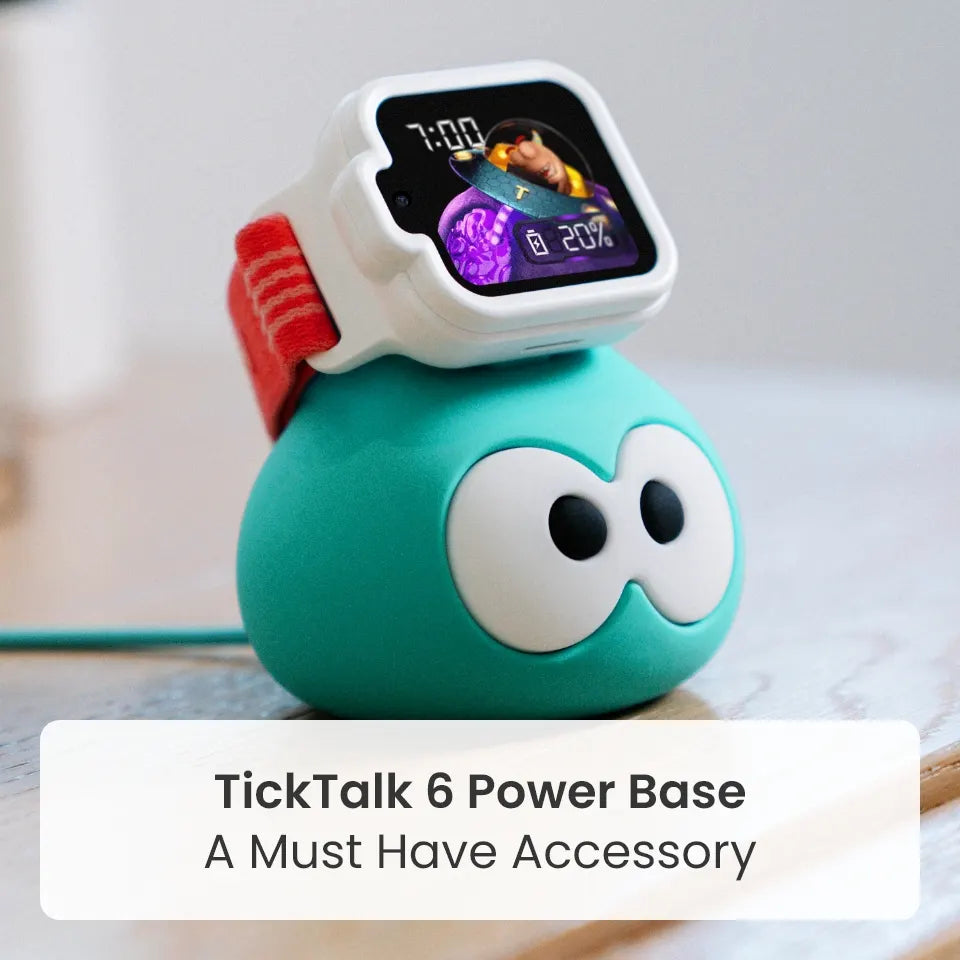
- Charge the watch first. TickTalk 6 offers up to 135 hours of standby time, but FaceTalk uses more battery. Actual performance varies by use, signal, settings and network.
- Expect a little warmth. The watch may feel warm during a video call, which is normal.
- Check your connection. Video calls need LTE or Wi-Fi coverage, so pick a spot with a good connection.
- Add the right contacts. Make sure the friend or family member is on the approved contact list before the call.
- Plan a time. Tell the other person when your child will call, so someone is ready to answer.
- Light the scene. A well-lit room helps the other person see every detail of the costume.
- Protect the watch. The comfort band is washable, and the protective case helps guard against everyday scratches and bumps, which is handy when costumes get messy.
FAQ's
Can a kids smartwatch make video calls?
Yes. TickTalk 6 supports FaceTalk™ video calling between supported TickTalk endpoints, using its 5 MP camera. Availability and settings apply.
How can my child show a friend their Halloween costume from a watch?
Your child can start a FaceTalk video call with an approved contact and show off the costume on camera. If video is not possible, they can send a photo through in-app messaging.
Who can my child video call?
TickTalk 6 is parent-managed, so your child connects with people you approve in the TickTalk App. The approved contact list holds up to 100 contacts.
Does video calling use more battery?
Yes. FaceTalk uses more battery than other features, and some warmth is normal. TickTalk 6 offers up to 135 hours of standby time, and actual performance varies by use, signal, settings and network.
Is TickTalk 6 a smartphone alternative for kids?
TickTalk 6 is a parent-managed kids smartwatch phone for ages 3–12, with calling, video calling, messaging and approved contacts. It has no games, social media or open internet.
Is TickTalk 6 waterproof?
No. TickTalk 6 is IP68 water-resistant, not waterproof. IP68 describes controlled test conditions, and warranty terms apply.
Make this Halloween a reveal to remember
A costume reveal turns a quick call into a Halloween moment. With FaceTalk video calling, approved contacts and a parent-managed TickTalk App, TickTalk 6 helps kids share the fun while parents stay in control. Meet TickTalk 6 at myticktalk.com.
Share:
Get Halloween Ready with TickTalk 6