

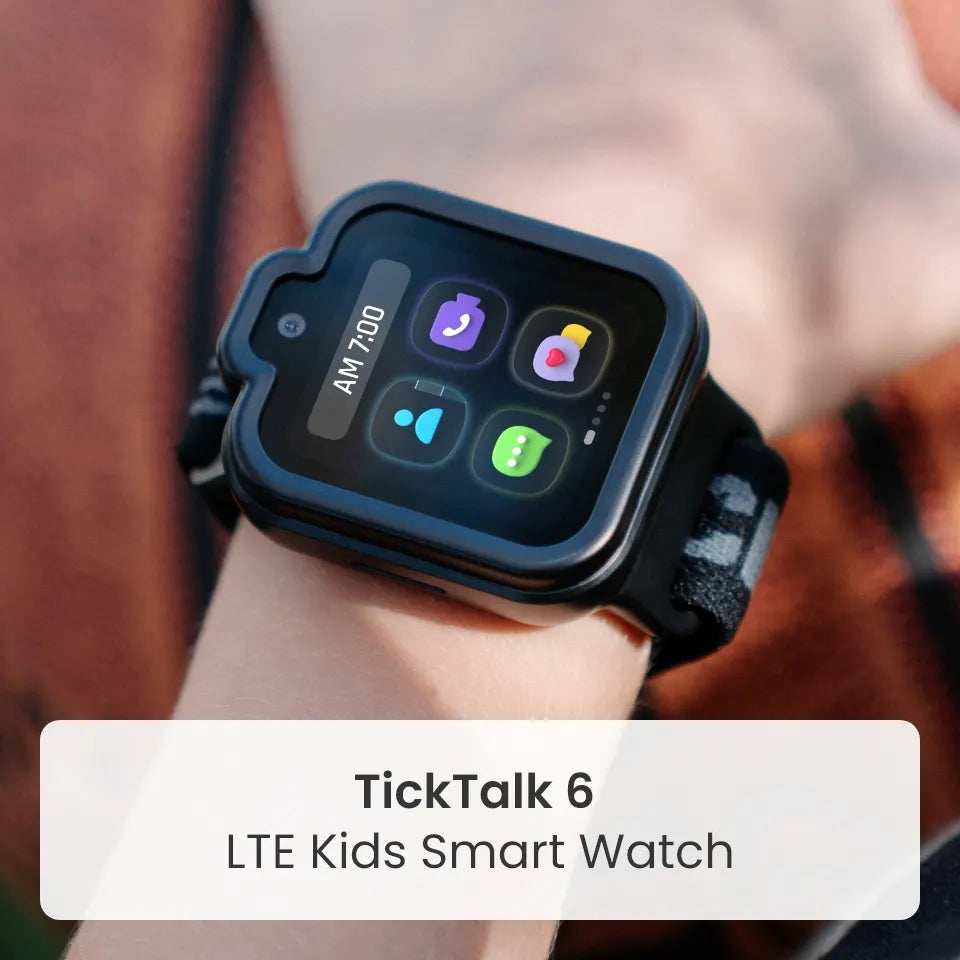

TickTalk 6 helps families stay connected and safer during holiday travel. Parents can check their child's location in the TickTalk App, call, text or video call them when they need to, and kids have SOS and parent-enabled 911 calling if they need help. It is a parent-managed kids smartwatch phone for ages 3–12, with no games, no social media and no open internet.
Holiday travel means crowded airports, busy highways, bustling train stations and unfamiliar places, and it means kids who are excited, distracted and easy to lose track of for a moment. A little planning goes a long way. This guide covers why holiday travel calls for extra care, how TickTalk 6 location, communication and safety features can help, and a simple family plan you can use this season. Outside sources are linked throughout.
Why holiday travel calls for extra planning
The holidays are the busiest travel season of the year. AAA projected a record 81.8 million people traveling at least 50 miles from home over last year's Thanksgiving period, and noted that Thanksgiving is the single busiest holiday for travel. About 73 million of those travelers, nearly 90%, were expected to go by car.
More travelers mean more crowds, and crowds make it easier for kids to wander off or get separated from their group. The Polly Klaas Foundation's guide to child safety during travel frames a practical approach around three goals: Prevent separation, prepare children to respond if separation happens and reduce avoidable injury risks in new environments.
Technology can help with each of those goals when it is paired with a plan and adult supervision. That is where a device built for kids comes in.
Know Where They Are
When the airport is packed or the family spreads out across a relative's house, a quick look at the TickTalk App can help answer "where are they?" before the question turns into worry.
- Real-Time Location Tracking: Request and view your child's current location in the TickTalk App.
- History Route: View supported historical location activity to look back at recent movement. The retention period follows the current app policy.
- AI SmartPin™: If the watch shows the wrong spot at a familiar place, such as a relative's house or a favorite park, you can pin the correct location. AI SmartPin uses your correction to improve future accuracy there.
Location accuracy and timing depend on the device, GPS, network and environment. That matters when you are traveling, because places like large airports, parking garages and unfamiliar buildings can affect GPS signals, and AI SmartPin works best at places you visit again. Use location as one tool along with calling, messaging and your family's plan.
Talk with your child about how and why you will check in. Kids feel more comfortable when location is part of an agreed plan, like staying within sight at the gate or meeting at a set spot, rather than something done behind their backs.
Reach Them, and Let Them Reach You
Knowing where your child is helps. Being able to talk to them helps even more. TickTalk 6 gives kids and parents several ways to connect, so you can pick whichever fits the moment:
- Voice calling: A quick call to ask "are you with Grandpa?" or to say "we are at gate 12."
- FaceTalk™ video calling: See your child's face for a quick check-in. FaceTalk works between supported TickTalk endpoints, uses more battery, and availability and settings apply.
- Real SMS: Text approved phone contacts. Relatives can text your child's watch without needing the TickTalk App, and a compatible cellular plan and service are required.
- In-app messaging: Voice messages, preset replies, emoji, GIFs and photos make it easy for kids who are not ready to type everything out.
- Group Chat: Approved TickTalk users and Watch Friends can take part in supported group conversations, which can help with family meetups.
Kids can also use these tools to reach out on their own, such as calling a parent from a relative's house or messaging a cousin on the other side of the room. If your child is old enough to know your number, that is still a great habit, and the watch gives them another way to reach you. Holiday crowd safety tips shared by WKTV include making sure your child knows your cell phone number.
Calling, messaging and location features require power, compatible service and coverage.
TickTalk 6 Safety Features for Travel Days
Communication and location are the foundation. These safety features add another layer for the unexpected.
SOS and 911 calling
- SOS: Your child presses and holds the red SOS button for 5 seconds to call the emergency contact. It is a simple way for a child to reach trusted help.
- 911 calling: Parents can enable or disable it in the TickTalk App. When enabled, your child presses Power once, then SOS twice.
SOS and 911 require power, compatible service and coverage. Show your child when to use SOS before you leave, and talk about who to turn to for help in a crowd.
Parent control over who can reach your child
- Approved contacts: Parents manage up to 100 contacts, so you decide who can call or message your child.
- Block Unknown Numbers: A parent control that adds another layer of communication control by reducing unwanted calls. It does not promise to stop all spam.
- App user permissions: The Primary User stays in control and can give relatives or caregivers full or limited access to the TickTalk App, which is helpful when more than one adult is keeping an eye on the kids.
A closed experience
TickTalk 6 has no games, no social media and no open internet, and no app store or browser. Your child's watch stays focused on communication and safety, instead of becoming another screen to manage on a long trip. Calls, messages and alerts can still come through, and parent-managed School Mode and Focus settings help with quiet time.
Built for the journey
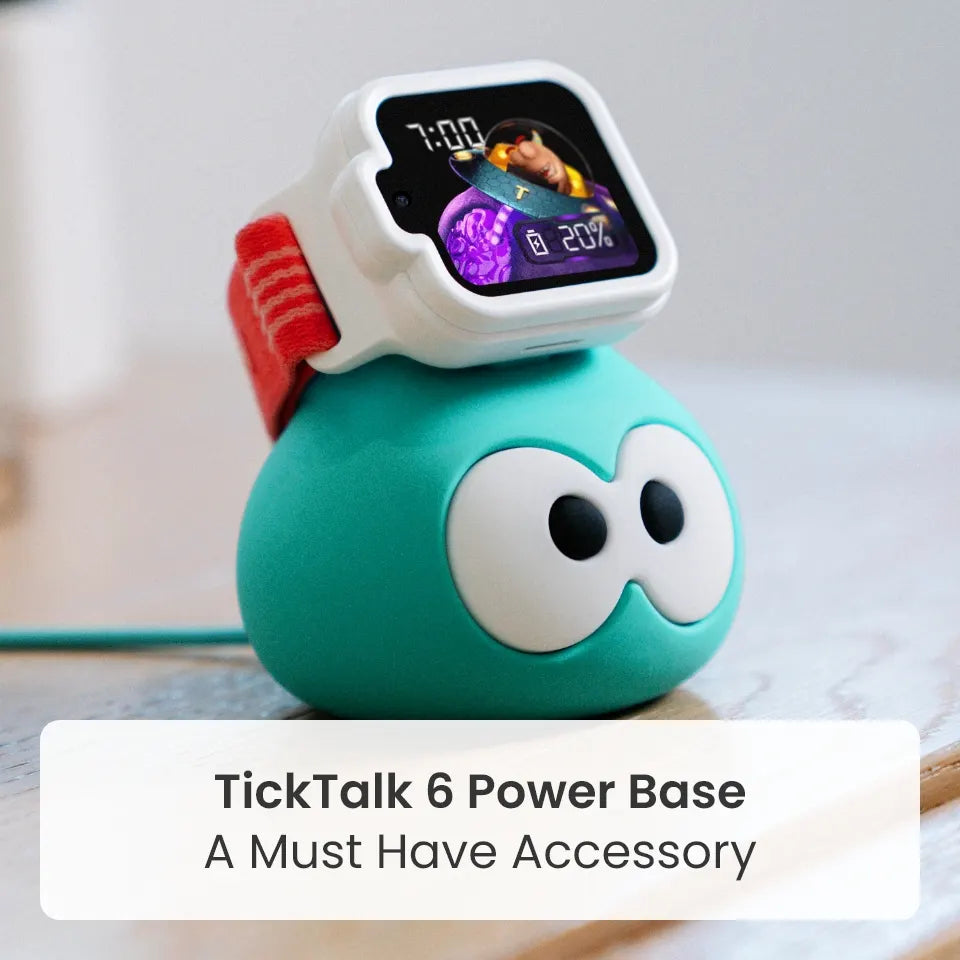
TickTalk 6 has a washable comfort band, a protective case and IP68 water resistance (water-resistant, not waterproof), and it offers up to 135 hours of standby time. Battery performance varies by use, signal, settings and network, so charge the watch before you leave and pack a charging cable or Power Base. Use a 5V USB power source, and do not use fast chargers or high-voltage adapters.
TickTalk 6 does not replace adult supervision or emergency planning.
Traveling Abroad for the Holidays?
TickTalk 6 has a built-in eSIM, so there is no physical SIM card to swap, and an optional Global Travel Plan covering 160+ countries and regions. Families can add the plan before a trip to help keep their child's watch connected overseas.
A few things to know before you go:
- Global Travel availability and supported functions vary by country, carrier, network and plan.
- Some destinations may be data-only, so calling, texting and other features may differ from what you use at home.
- TickTalk Radio music availability is subject to territory and licensing, and music stations are currently available in the U.S.
- Look up your destination in TickTalk's travel information and add the plan ahead of time, so you are not setting it up in the airport.
Calling, messaging, location and emergency features require power, compatible service and coverage. Check what is supported at your destination, and make a backup plan for how your family would reunite if the watch could not connect.
A Family Holiday Travel Safety Checklist
TickTalk 6 works best as part of a plan. Here is a simple checklist that combines expert tips with TickTalk 6 features:
- Charge the watch and pack a charger. Use a 5V USB power source and pack a charging cable or Power Base.
- Check service and coverage. Confirm the watch's service is active, and add the Global Travel Plan before international trips.
- Review approved contacts. Add the relatives, friends and caregivers your child may need to reach on the trip.
- Pin familiar places with AI SmartPin. Correct the watch's location at a relative's house or another place you will visit often.
- Make a "lost" plan. Agree on what your child should do if you get separated, such as approaching uniformed airport staff for help, as the Polly Klaas Foundation suggests. Remind them how to call you and when to use SOS.
- Test a call before you leave. Make sure your child can call you and you can reach them.
FAQ's
How can I keep track of my child during holiday travel?
TickTalk 6 lets parents request and view their child's location in the TickTalk App, with History Route and AI SmartPin to help with recent movement and familiar places. Accuracy and timing depend on the device, GPS, network and environment.
Can my child contact me if we get separated?
Yes. Kids can call or message approved contacts, and they can press and hold the red SOS button for 5 seconds to call the emergency contact. Parents can also enable 911 calling. These features require power, compatible service and coverage.
Does TickTalk 6 work when traveling abroad?
TickTalk 6 has a built-in eSIM and an optional Global Travel Plan covering 160+ countries and regions. Supported functions vary by country, carrier, network and plan, and some destinations may be data-only.
Can relatives help keep an eye on my child during holiday gatherings?
The Primary User can give relatives and caregivers full or limited access in the TickTalk App as Secondary Users, so they get the access they need.
Can strangers contact my child on TickTalk 6?
Parents manage a list of up to 100 approved contacts, and Block Unknown Numbers adds another layer of control by reducing unwanted calls. TickTalk 6 has no social media or open internet.
Does TickTalk 6 replace adult supervision on trips?
No. TickTalk 6 helps families stay connected, but it does not replace adult supervision or emergency planning.
How long does the battery last on a long travel day?
TickTalk 6 offers up to 135 hours of standby time. Actual performance varies by use, signal, settings and network, and video calls use more battery, so charge before you leave and pack a charger.
Is TickTalk 6 waterproof?
No. TickTalk 6 is IP68 water-resistant, not waterproof. IP68 describes controlled test conditions, and warranty terms apply.
What age is TickTalk 6 for?
TickTalk 6 is designed for kids ages 3–12.
Travel with more confidence
Holiday travel is full of joy and a lot of moving parts. With location tools, calling and messaging, SOS and parent controls, plus a plan your family has talked through, TickTalk 6 helps you stay connected on the road, in the air and at the family gathering.
Share:
A Holiday Gift That Keeps You Connected: Why TickTalk 6 Is a Gift Kids Will Love