

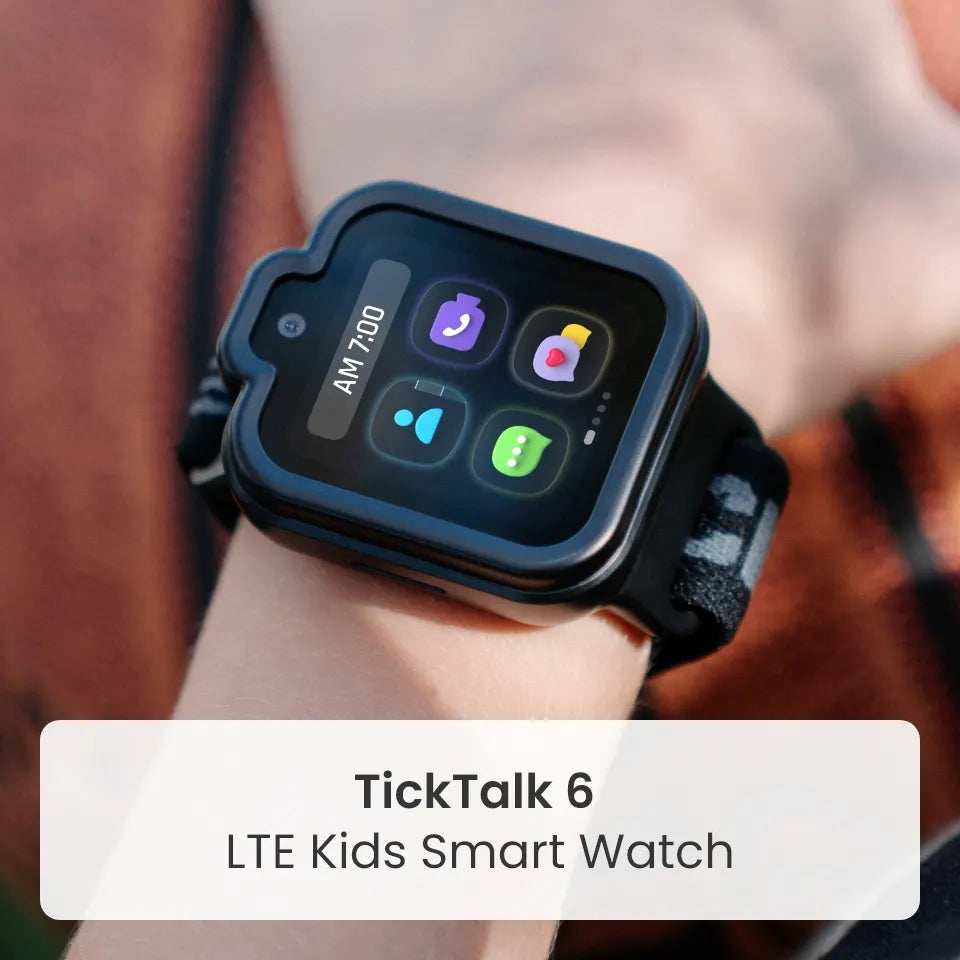
With holiday travel here, TickTalk 6 helps families stay connected and safer while they travel. Parents can reach their child by call, text or video call, check their child's location with GPS tools in the TickTalk App, and kids can press the red SOS button if they need help. It is a parent-managed kids smartwatch phone for ages 3–12, with no games, no social media and no open internet.
Holiday trips change the routine, whether it is a Thanksgiving drive, a flight home for Christmas break or a weekend with relatives. Kids are in new places, surrounded by people they may not see often, and moving through airports, rest stops and crowded gatherings. That is when being able to stay in touch matters most. This guide covers how TickTalk 6 contact, location and SOS features work, how to use them at each stage of a trip and a few expert tips to go along with them.
Why Connection Matters on Holiday Trips
The holidays are some of the busiest travel periods of the year. For Thanksgiving this year, AAA projects 81.5 million Americans will travel at least 50 miles from home, and nearly 90% of them are expected to drive. At year-end last year, AAA projected a record 122.4 million Americans traveling at least 50 miles from home between December 20 and January 1, including 109.5 million by car and a record 8.03 million by air. AAA had not released its forecast for this year's year-end period at the time of writing.
More people on the move means more crowds, more transfers and more moments when a child can drift out of sight. With a plan and the right tools, families can handle those moments calmly. TickTalk 6 does not replace adult supervision, but it gives you ways to reach your child, see where their watch is and help them get help.
Reach Your Child When You Need To
TickTalk 6 gives you several ways to get in touch, so you can use the one that fits the moment:
- Voice calling: Call your child, or let them call you, with approved contacts. It is the fastest way to say "where are you?" or "meet us at the gate."
- FaceTalk™ video calling: Check in face to face. FaceTalk works between supported TickTalk endpoints, uses more battery, and availability and settings apply.
- Real SMS: Text approved phone contacts. Relatives can text your child's watch without needing the TickTalk App, with a compatible cellular plan and service.
- In-app messaging: Kids can send voice messages, preset replies, emoji, GIFs and photos, which is handy when it is too noisy to talk.
- Group Chat: Approved TickTalk users and Watch Friends can take part in supported group conversations, which can help when several family members are traveling together.
Calling, messaging and location features require power, compatible service and coverage. Cellular coverage can vary on the road, at the airport and at your destination, so it helps to agree on a backup plan, such as a meeting spot, before you go.
Check Their Location with GPS Tracking
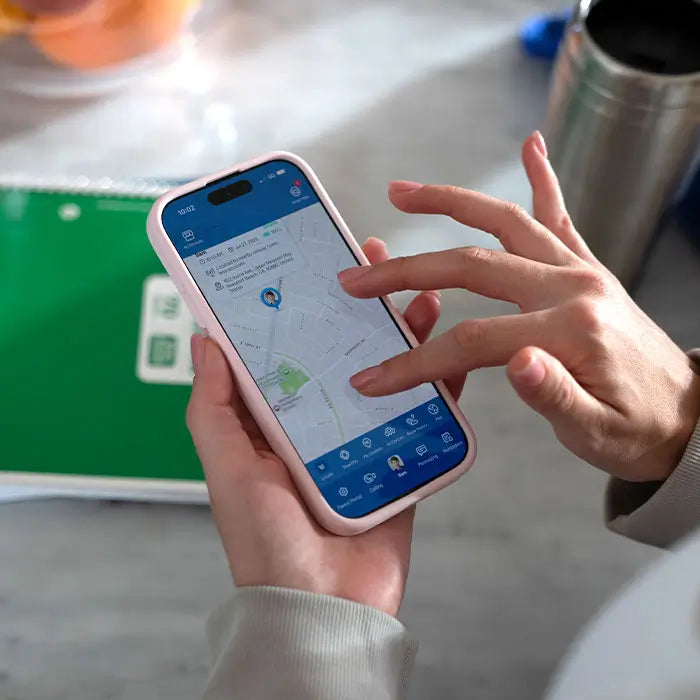
A quick look at the TickTalk App can answer "where are they?" without a flurry of calls.
- Real-Time Location Tracking: Request and view your child's current location in the TickTalk App.
- History Route: View supported historical location activity to look back at recent movement. The retention period follows the current app policy.
- AI SmartPin™: If the watch shows the wrong spot at a familiar place, such as a grandparent's house, pin the correct location. AI SmartPin uses your correction to improve future accuracy there.
Location accuracy and timing depend on the device, GPS, network and environment. Large airports, parking garages and unfamiliar buildings can affect GPS signals, so use location as one tool along with calling, messaging and a family plan.
Talk with your child before the trip about how you will check in. Kids feel more comfortable when location is part of the plan, like agreeing to stay with the group or to meet at a set spot.
SOS and 911: Help When Your Child Needs It
Most holiday trips go smoothly. Still, an unfamiliar airport, a crowded station or a long drive are exactly the places where a child may need to reach someone quickly, and where a parent may not be in arm's reach. That is why SOS matters most when you travel.
- SOS: Your child presses and holds the red SOS button for 5 seconds to call the emergency contact. It is a simple action a child can learn and remember.
- 911 calling: Parents can enable or disable 911 calling in the TickTalk App. When it is enabled, your child presses Power once, then SOS twice.
SOS and 911 require power, compatible service and coverage. Take five minutes before you leave to:
- Show your child where the red SOS button is and how long to hold it.
- Talk about when to use it, such as when they are lost or need help.
- Make sure the emergency contact is a person who will pick up while you are traveling.
- Decide whether to turn on 911 calling, and explain how it works if you do.
SOS and 911 are tools for emergencies, not a replacement for adult supervision or an emergency plan.
Your Trip, Step by Step
Here is how to use TickTalk 6 at each stage of a holiday trip.
Before you leave
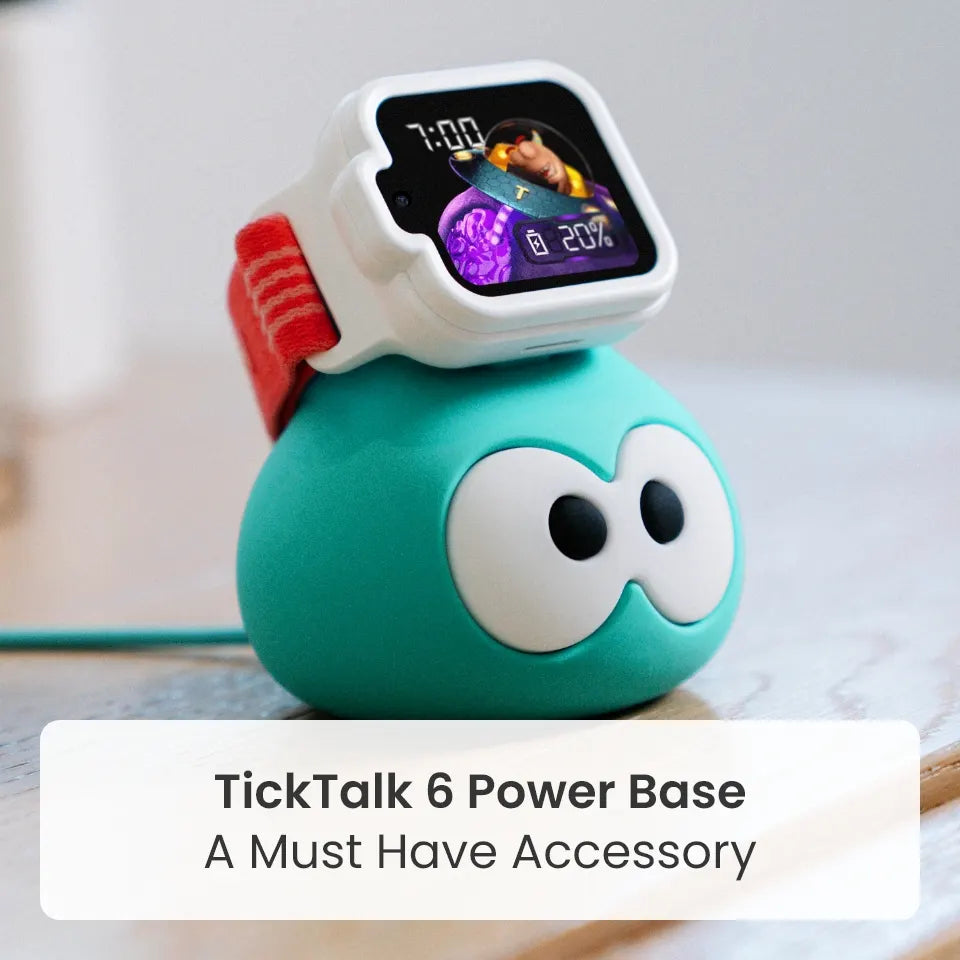
- Charge the watch. TickTalk 6 offers up to 135 hours of standby time, but actual performance varies by use, signal, settings and network. Use a 5V USB power source, and do not use fast chargers or high-voltage adapters.
- Confirm service is active, and review approved contacts, including relatives you will visit.
- Plan to pin familiar destinations, such as a grandparent's house, with AI SmartPin when you arrive.
- Make a test call, and talk through the meeting spot and SOS plan.
- Traveling abroad? TickTalk 6 has a built-in eSIM and an optional Global Travel Plan covering 160+ countries and regions. Supported functions vary by country, carrier, network and plan, and some destinations may be data-only.
At the airport
- Pick a meeting spot at each gate. Remind your child that they can call you or use SOS.
- Check location when the group splits up for the restroom or a snack.
On the road
- Agree on rest stop rules, such as staying together and calling you from the watch if plans change.
- Let your child send a voice message or photo to relatives who are waiting, so they know you are on your way.
- Keep the watch charged with a 5V USB power source.
At your destination
- Give relatives and caregivers the access they need. The Primary User can give Secondary Users full or limited access in the TickTalk App.
- Keep location, calls and messages handy during gatherings, when kids may be spread across the house, the yard or the neighborhood.
Heading home
- Recharge the watch, and check that location and calling still work before the trip back.
- Talk with your child about what worked and what you would do differently next time.
Parent Control, Even When You are Away From Home
Travel means more people, more places and more unknowns. TickTalk 6 keeps you in charge of who can reach your child, wherever you are:
- Approved contacts: Manage up to 100 contacts in the TickTalk App, so you decide who can call or message your child.
- Block Unknown Numbers: Add another layer of control by reducing unwanted calls. It does not promise to stop all spam.
- App user permissions: Give relatives or caregivers full or limited access as Secondary Users, while the Primary User keeps control.
- School Mode and Focus: Parent-managed schedules that reduce nonessential watch activity, such as quiet time on a long trip or at bedtime.
- A closed experience: No games, no social media and no open internet, and no app store or browser. The watch stays focused on communication and safety.
Want the full picture of what TickTalk 6 can do, including SOS and parent controls? Read our TickTalk 6 features guide.
TickTalk 6 also has a washable comfort band, a protective case and IP68 water resistance (water-resistant, not waterproof), so it is ready for rainy days, sticky fingers and long travel days. Calls, messages and alerts can still come through, and TickTalk 6 does not replace adult supervision.
FAQ's
How can I stay in touch with my child while traveling for the holidays?
TickTalk 6 lets parents call, text, message and video call their child with approved contacts, and check their location in the TickTalk App. These features require power, compatible service and coverage.
Can I track my child's location with TickTalk 6?
Yes. TickTalk 6 includes Real-Time Location Tracking, History Route and AI SmartPin in the TickTalk App. Accuracy and timing depend on the device, GPS, network and environment.
How does the SOS button work on TickTalk 6?
Your child presses and holds the red SOS button for 5 seconds to call the emergency contact. SOS requires power, compatible service and coverage.
Does TickTalk 6 have 911 calling?
Yes. Parents can enable or disable 911 calling. When it is enabled, your child presses Power once, then SOS twice. It is not a replacement for adult supervision or an emergency plan.
Does TickTalk 6 work when we travel abroad?
TickTalk 6 has a built-in eSIM and an optional Global Travel Plan covering 160+ countries and regions. Supported functions vary by country, carrier, network and plan, and some destinations may be data-only.
Can relatives help keep an eye on my child during holiday gatherings?
The Primary User can give relatives and caregivers full or limited access in the TickTalk App as Secondary Users.
Can strangers contact my child on TickTalk 6?
Parents manage a list of up to 100 approved contacts, and Block Unknown Numbers adds another layer of control by reducing unwanted calls. TickTalk 6 has no social media or open internet.
How long does the battery last on a long travel day?
TickTalk 6 offers up to 135 hours of standby time. Actual performance varies by use, signal, settings and network, and video calls use more battery, so charge before you leave.
Does TickTalk 6 replace adult supervision on trips?
No. TickTalk 6 helps families stay connected, but it does not replace adult supervision or emergency planning.
What age is TickTalk 6 for?
TickTalk 6 is designed for kids ages 3–12.
Travel with a little more peace of mind
With calling, messaging, location tools, SOS and parent controls, TickTalk 6 helps families stay connected from the first mile to the last.
Share:
TickTalk 6 Holiday Gift Guide: A Gift That Connects, Customizes and Charges