

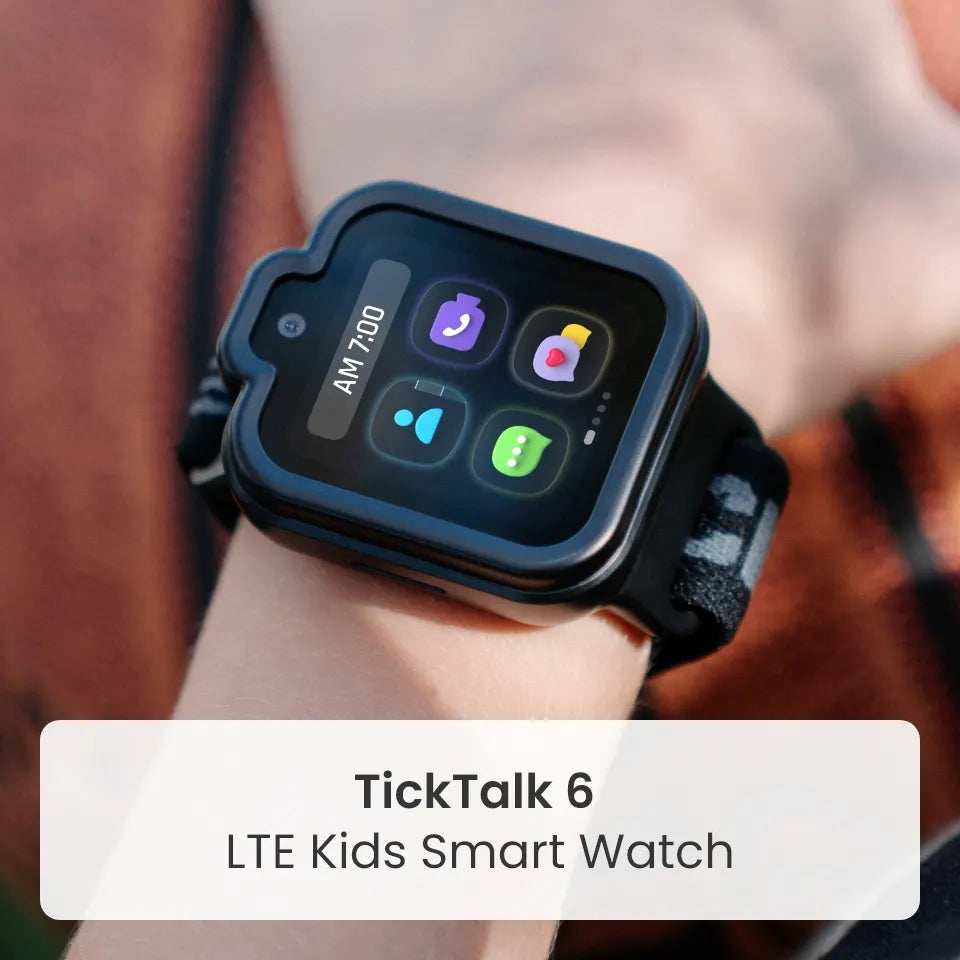

TickTalk Radio™ is an age-curated, fully parent-controlled music and wellness experience for kids ages 3–12 on TickTalk 6. Kids get stations picked for their age, parents choose which stations are on and when kids can listen, and everyone gets a soundtrack for the journey, whether that is a long holiday road trip or a trip to the grandparents' house.
The holidays mean more time in cars, airports and unfamiliar places, and more moments when kids need something to do. TickTalk Radio gives them music they love and calm they can count on, with no ads and no open search. Here is how it works, how parents stay in control and a few ideas for making travel more fun.
What is TickTalk Radio?
TickTalk Radio is a music and wellness experience built into the TickTalk 6 for kids to enjoy music stations curated by parents. It is not about offering the most content, but offering the right content: music and wellness carefully selected for children and controlled by parents.
For every Stage of Childhood
Stations are curated by age, so kids find music that fits where they are:
- Junior (ages 3–5): Simple listening for younger children.
- Explorer (ages 6–9): A broader mix of music and discovery for growing kids.
- Tween (ages 9–12): More popular music and curated content for older kids.
Music and Wellness
TickTalk Radio is more than kids music. Along with music stations, it includes Wellness Stations with calm, focus, sleep, breathing and mindfulness audio, which can be helpful for winding down after a long day of travel.
No ads. No open search.
There is no open search to wander through and no ads to interrupt the music. Just safer listening, on a watch that already has no games, no social media and no open internet.
Curated by Age, Filtered by You
TickTalk Radio puts parents in charge from the TickTalk App, where music content, listening limits and subscriptions live together in the My Services section.
- Preview stations. Listen before your child does, so you know what is on the playlist.
- Enable or disable individual stations. Turn on the stations you like and leave the rest off.
- Set listening limits. Decide how much time kids can spend listening.
- Control when kids can listen. Use downtime and Focus settings so listening fits your family's routine.
- Use Focus Mode. Limit listening to Wellness Stations only, with calm, focus, sleep, breathing and mindfulness audio.
- Manage the subscription. Subscribe, manage or cancel, and control your child's access in the app.
Some settings depend on the software version and what is supported, so check the TickTalk App for what is available on your watch.
Holiday Road Trips and Travel Days, Made More Fun
Long drives and travel days can test everyone's patience. TickTalk Radio gives kids something to look forward to, and gives parents a way to keep the journey enjoyable. Here are a few ideas:
- Build a road trip soundtrack together. Before you leave, let your child preview stations with you and pick their favorites from the ones you have enabled.
- Make a "station of the hour" tradition. Take turns choosing which station plays next, and let everyone in the car vote.
- Plan listening breaks. Set listening limits ahead of time, so there is time for car games, conversation and watching the scenery go by.
- Wind down with calm. Switch to a Wellness Station for the quiet stretch after a long day, or for bedtime at a hotel or relative's house.
- Keep the backseat peaceful. A familiar playlist can help kids settle in, whether they are headed to a family dinner or the airport.
- Make it a family conversation. Ask kids what they heard, which song was the best of the day and which station they would pick for the ride home.
Kids can still stay in touch with the people they love while they travel. With approved contacts, they can call or message grandparents to say they are on the way, and parents can use the TickTalk App for location check-ins. Calling, messaging and location require power, compatible service and coverage.
Travel Checklist for TickTalk Radio
A few minutes of setup before you leave helps make the trip smooth:
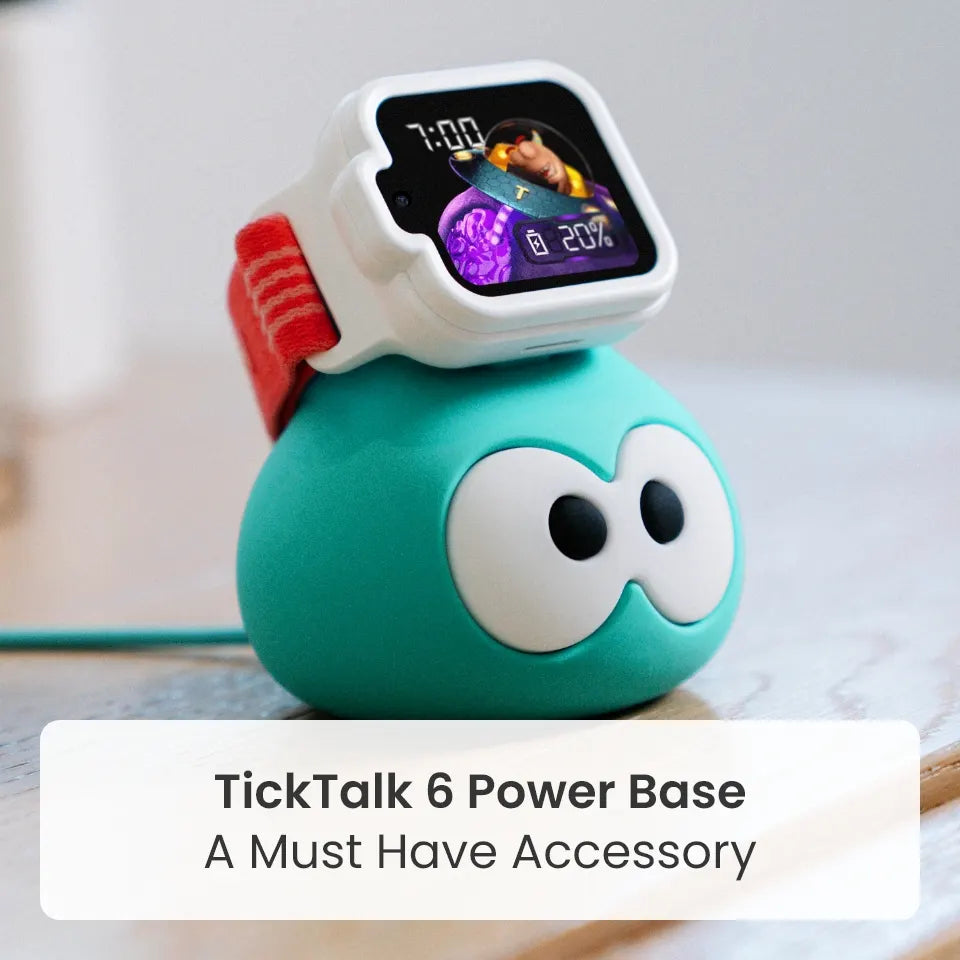
- Charge the watch. TickTalk 6 offers up to 135 hours of standby time, but actual performance varies by use, signal, settings and network. Pack the TickTalk 6 Power Base or the included magnetic charging cable.
- Use the right charger in the car. Use a 5V USB power source. Do not use fast chargers, high-voltage chargers or adapters designed for rapid or high-power charging.
- Update and check your subscription. TickTalk Radio requires a separate subscription and current software.
- Preview and enable stations. Choose the stations your child can listen to on the trip, and turn off the rest.
- Set listening limits and Focus Mode. Decide when kids can listen, and switch to Wellness Stations only for bedtime or quiet time.
- Check coverage. Online features rely on LTE or Wi-Fi, so check your route and plan for changes in coverage. Cellular, calling, messaging, location and emergency features require power, compatible service and coverage, and availability may vary.
- Flying? Set up Radio before you leave home, since connectivity and availability can change on the go.
- Traveling outside the U.S.? TickTalk 6 has built-in eSIM and an optional Global Travel Plan covering 160+ countries and regions. Global Travel availability and supported functions vary by country, carrier, network and plan, and some destinations may be data-only. TickTalk Radio music availability is subject to territory and licensing, and music stations are currently available in the U.S., so plan accordingly.
TickTalk Radio price and availability
TickTalk Radio is available as one simple add-on:
- $4.99 per month as a standalone add-on (regular price $6.99), or
- Included with the TickTalk Wireless Premium plan, which offers unlimited data, talk and text.
TickTalk Radio requires a separate subscription and current software. Availability and subscription requirements may vary by plan and location, and music availability is subject to territory and licensing.
FAQ's
What is TickTalk Radio?
TickTalk Radio is an age-curated, fully parent-controlled music and wellness experience for kids ages 3–12 on TickTalk 6. Parents can preview stations, enable or disable individual stations, set listening limits and control when kids can listen.
Can kids listen to music on a kids smartwatch?
Yes. With TickTalk Radio, kids can listen to age-curated stations on TickTalk 6. Parents control which stations are enabled and when kids can listen.
Does TickTalk Radio have ads or open search?
No. TickTalk Radio has no ads and no open search. TickTalk 6 also has no games, no social media and no open internet.
What age groups does TickTalk Radio cover?
Stations are curated for Junior (ages 3–5), Explorer (ages 6–9) and Tween (ages 9–12).
What are Wellness Stations?
Wellness Stations offer calm, focus, sleep, breathing and mindfulness audio. Parents can use Focus Mode to limit listening to Wellness Stations only.
How much does TickTalk Radio cost?
TickTalk Radio is $4.99 per month as a standalone add-on (regular price $6.99), or included with the TickTalk Wireless Premium plan. A separate subscription is required for standalone use, and availability may vary by plan and location.
Can kids use TickTalk Radio on a road trip?
Yes, with a few things to check first: charge the watch, confirm the subscription and software are current, preview and enable stations, and check coverage along your route. Online features rely on LTE or Wi-Fi, and availability may vary.
Does TickTalk Radio work when traveling outside the U.S.?
Music availability is subject to territory and licensing, and music stations are currently available in the U.S. TickTalk 6 has an optional Global Travel Plan covering 160+ countries and regions, but supported functions vary by country, carrier, network and plan.
Can parents control how long kids listen?
Yes. Parents can set listening limits and control when kids can listen in the TickTalk App.
What age is TickTalk 6 for?
TickTalk 6 is designed for kids ages 3–12.
Add a soundtrack to your holiday travel
TickTalk Radio gives kids music and calm made for them, and gives parents the controls to match. Learn more about TickTalk 6 and TickTalk Radio at myticktalk.com.
Share:
TickTalk Early Black Friday Sale: $10 Off TickTalk 6 Plus a Free Power Base!