

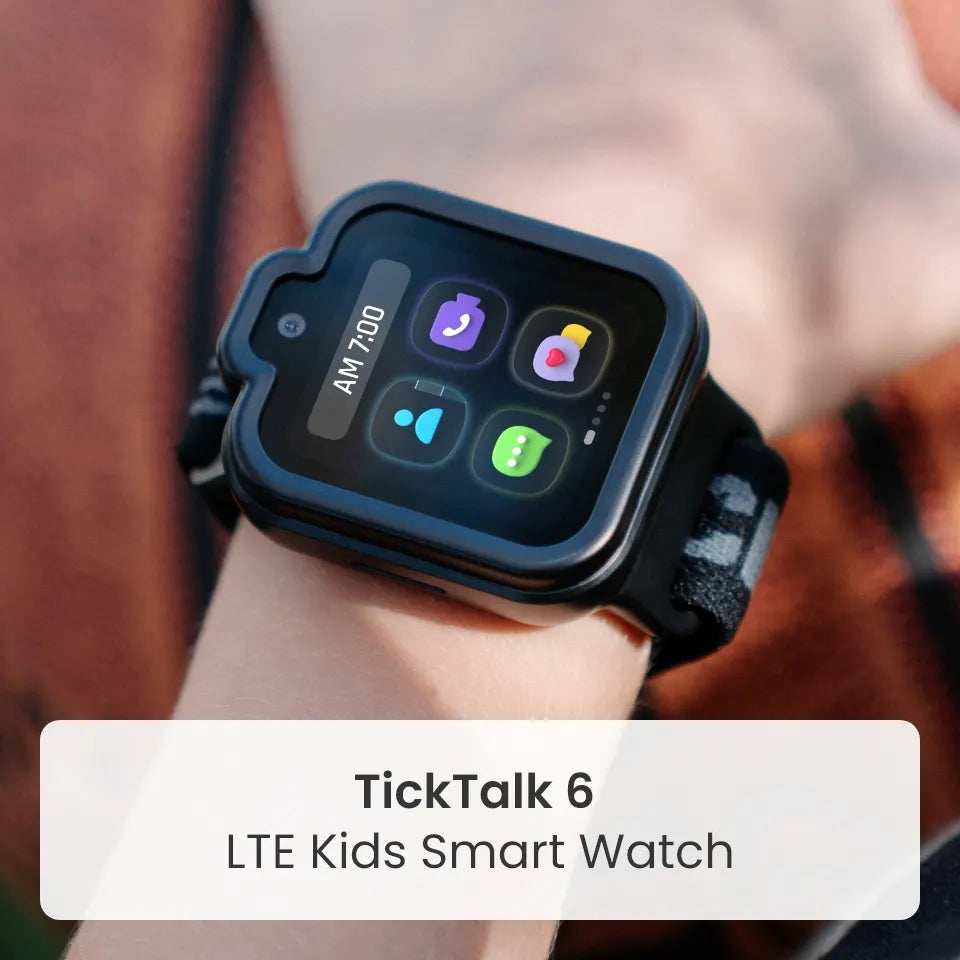
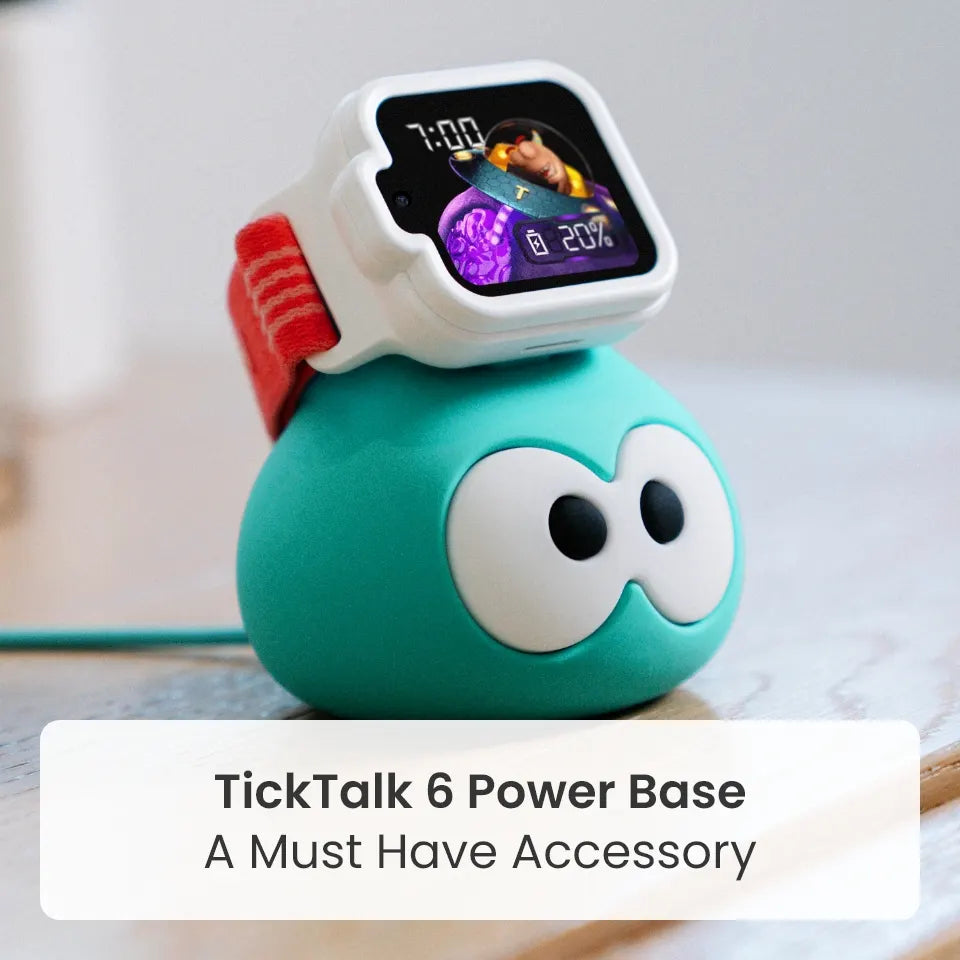

With TickTalk 6, parents decide who can reach their child. Voice calls and texts work with contacts the parent approves in the TickTalk App, TickTalkie walkie-talkie chats work with approved Watch Friends, and Block Unknown Numbers adds another layer of control by reducing unwanted calls. There is no social media, no open internet and no games, so there are far fewer places for unexpected conversations to start.
That is a different experience from a smartphone or tablet, where messaging happens across texts, social media, games and apps, and each one has its own contacts, settings and rules. This guide explains how controlled communication works on TickTalk 6, how to set it up and how to talk with your child about it. Sources are linked throughout and listed at the end.
Why it is Hard to Keep Track of Who Kids Talk to on Smartphones and Tablets
Most parents teach their kids not to talk to strangers, and want to know who their children play with. The American Academy of Child and Adolescent Psychiatry notes that most parents monitor where their children go and who they play with. On a smartphone or tablet, that gets complicated quickly:
- Messages happen in many places. Common Sense Media's guide on how to tell who your kid is talking to online explains that contacts and chats live in different spots on phones, in social media apps and in games, each with its own settings.
- Every app has its own rules. Some apps let parents see contacts or limit direct messaging, and others offer fewer options, so families have to learn the settings for each one.
- Social media reaches younger kids than you might expect. The U.S. Surgeon General's advisory on social media and youth mental health reports that nearly 40% of children ages 8 to 12 use social media, even though most platforms set a minimum age of 13. The advisory also says the evidence does not let us conclude that social media is sufficiently safe for children and adolescents.
- Controls are not the whole answer. Health guidance reminds parents not to rely on parental controls alone, since kids can often find ways around them.
None of this means every child with a smartphone runs into problems, and many families manage them well. It does show why many parents prefer a first device where communication is simple from the start.
How Controlled Communication Works on TickTalk 6
TickTalk 6 is built around "Communication First. Safety Always." Instead of an open inbox, it has one list that parents manage: the approved contact list. That means strangers do not get open access to your child.
|
Way to communicate |
Who is involved |
|---|---|
|
Voice calling |
Approved contacts |
|
FaceTalk™ video calling |
Between supported TickTalk endpoints. Uses more battery, and availability and settings apply |
|
Real SMS |
Approved phone contacts, who do not need the TickTalk App |
|
In-app messaging |
Text, talk-to-text, voice messages, preset replies, emoji, GIFs, photos and eGreeting Cards |
|
Group Chat |
Approved TickTalk users and Watch Friends, in supported group conversations |
|
TickTalkie™ walkie-talkie |
Approved TickTalk Watch Friends, watch to watch on TickTalk 5 and newer |
Up to 100 approved contacts
Parents can manage up to 100 contacts in the TickTalk App. That is room for parents, grandparents, aunts, uncles, family friends and caregivers.
Block Unknown Numbers
Block Unknown Numbers is a parent control that adds another layer of communication control by reducing unwanted calls. It does not promise to stop all spam, which is why the approved contact list is the foundation.
Watch Friends are approved too
TickTalkie lets approved TickTalk Watch Friends talk watch to watch over LTE or Wi-Fi, wherever compatible coverage is available. It is a kid-to-kid experience, and parents cannot join from the TickTalk App.
Helpers with the right access
The Primary User stays in charge and can give relatives or caregivers full or limited access to the TickTalk App as Secondary Users. Relatives and caregivers get the access they need, and nothing more.
Calling, messaging and location features require power, compatible service and coverage.
How to Set Up Controlled Communication
Start with the basics from the TickTalk 6 setup: download the TickTalk App, attach the band and protective case, charge the watch, power on, pair by QR code and activate wireless service. Then set up communication in the TickTalk App:
- Start with family. Add parents, grandparents and other relatives your child talks to most.
- Add trusted friends and caregivers. Include friends' parents, babysitters, coaches or teachers your child may need to reach, once you know and trust them.
- Connect Watch Friends. Choose which approved TickTalk Watch Friends your child can talk to on TickTalkie.
- Turn on Block Unknown Numbers if you want another layer of control against unwanted calls.
- Set School Mode and Focus schedules to reduce nonessential watch activity during class, homework and bedtime. Calls, messages and alerts can still come through depending on your settings.
- Share access with other adults if needed. The Primary User can give relatives and caregivers full or limited access.
- Make a test call and send a test message. Confirm that approved contacts can reach your child and that your child can reach them.
- Review the list regularly. Add or remove contacts as your child's world changes.
Calling and messaging require power, compatible service and coverage.
What TickTalk 6 Leaves Out
Controlled communication is about what is included, and also about what is not. TickTalk 6 has:
- No social media. There are no social feeds, followers or friend suggestions.
- No open internet. There is no browser to search or surf, and no app store to download new apps.
- No games. The watch stays focused on communication and safety, not on keeping kids playing.
The American Academy of Pediatrics observes that most digital platforms are designed to boost engagement and profit rather than to support children's health and development, in its news release on the 2026 policy statement. TickTalk 6 takes a different approach: kids can call, message, share photos and voice messages, and use TickTalkie with approved friends, and parents manage who can connect.
For parents, that means there are fewer apps, accounts and settings to keep track of. Calls, messages and alerts can still come through, so TickTalk 6 does not replace conversations about how your child uses the watch, and it does not replace adult supervision. If you are weighing a smartwatch against a smartphone, our guide to kids smartwatches vs. smartphones explains the differences.
Talking with Your Child About Who They Talk To
Parent controls work best alongside open conversation. Here are a few ways to bring your child into the plan:
- Explain the why. Tell your child that the approved contact list is about keeping the people they talk to the people you both know. Kids feel more comfortable when they understand the reason behind a rule.
- Let them help. Ask who they want to add, and talk about why. The AAP's Q&A on balancing online safety and independence describes a study of 945 adolescents in which kids whose parents gave them some freedom were more likely to talk openly about what they do online, while kids of more controlling parents tended to hide it.
- Make a family media plan. The AAP suggests involving kids in setting priorities for media use, as reported by iHeart.
- Keep talking. Health guidance recommends not relying on parental controls alone. Check in regularly about who your child talked to and how it went.
- Agree on what to do if someone unknown contacts them. Decide together that your child will tell you if they get a call or message that feels strange. Block Unknown Numbers helps, and your child's trust in you helps even more.
- Update the list as your child grows. Add new friends and relatives, and remove contacts that are no longer needed.
TickTalk 6 is designed for kids ages 3–12 and does not replace adult supervision. For a child's first connected device, that mix of clear boundaries and open conversation can set up habits that last.
FAQ's
How can parents control who their child talks to on TickTalk 6?
Parents manage a list of up to 100 approved contacts in the TickTalk App. Voice calls and Real SMS work with approved contacts, TickTalkie works with approved TickTalk Watch Friends, and parents can turn on Block Unknown Numbers to reduce unwanted calls.
Can strangers message my child on TickTalk 6?
TickTalk 6 has no social media and no open internet, and communication is built around approved contacts. Block Unknown Numbers adds another layer of control by reducing unwanted calls, though it does not promise to stop all spam.
Does TickTalk 6 have social media, open internet or games?
No. TickTalk 6 has no social media, no open internet and no games, and no app store or browser.
What is Block Unknown Numbers?
Block Unknown Numbers is a parent control that adds another layer of communication control by reducing unwanted calls. It does not promise to stop all spam.
Who can my child talk to on TickTalkie?
TickTalkie lets approved TickTalk Watch Friends talk watch to watch over LTE or Wi-Fi, wherever compatible coverage is available. It works between TickTalk 5 and newer watches, and parents cannot join from the TickTalk App.
Can relatives and caregivers help manage the watch?
Yes. The Primary User can give Secondary Users full or limited access in the TickTalk App.
Can my child text on TickTalk 6?
Yes. Kids can use Real SMS to text approved phone contacts, and in-app messaging with voice messages, preset replies, emoji, GIFs and photos. Real SMS requires a compatible cellular plan and service.
Is a kids smartwatch a good alternative to a smartphone for controlling communication?
For many families, yes. TickTalk 6 is a parent-managed cell phone alternative for kids ages 3–12, with calling, messaging and location tools and an approved contact list, without social media or open internet.
Does TickTalk 6 replace adult supervision?
No. TickTalk 6 helps families stay connected and manage communication, but it does not replace adult supervision, conversation or emergency planning.
What age is TickTalk 6 for?
TickTalk 6 is designed for kids ages 3–12.
Share:
Too Much Screen Time for Kids: Health Concerns and How TickTalk 6 Helps