

Blog
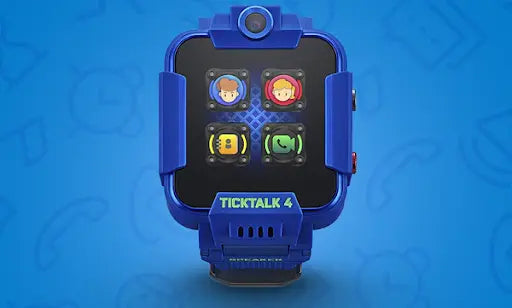
How can I keep my child from adding all their friends or adding people online?
Any person who wants to message and FaceTalk the watch must have the free TickTalk App downloaded and all contacts will have to be approved by the Parent/Admin. You'll be alerted of any add requests in the App to ensure...
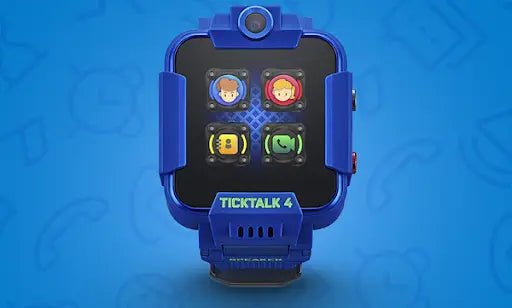
How many hours can a fully charged TickTalk 4 last?
TickTalk 4 has the largest battery capacity in the world for a children’s smartwatch with a 1,000 mAh battery versus a 680 mAh battery in past generations. Based on over 9,000 TickTalk 4's located all over the world, average battery...
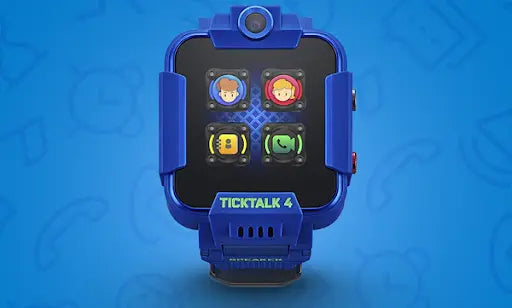
How is TickTalk 4 different from TickTalk 3?
We listened directly to our customer feedback to improve the TickTalk 4. We added free streaming music powered by iHeartRadio Family*, an activity tracker, doubled standby battery time, and added more parental controls. We added 5 additional frequency bands to...
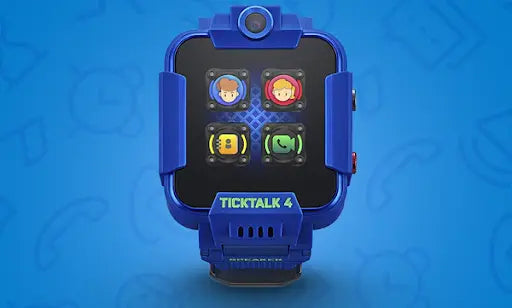
How has battery been improved for TickTalk 4?
TickTalk 4 has the largest battery capacity in the world for a children’s smartwatch with a 1,000 mAh battery versus a 680 mAh battery in past generations. Based on over 9,000 TickTalk 4's located all over the world, average battery...
Does TickTalk 4 have new parental controls?
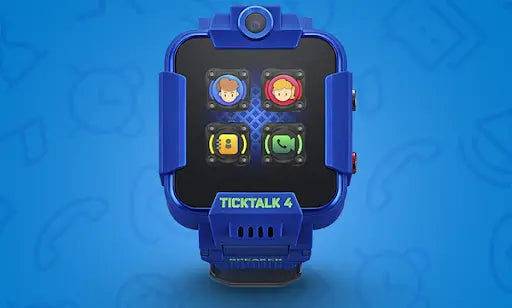
We added tons of new parental controls for the TickTalk 4. We added visibility to watch call logs and blocked SMS text requests, the ability to add a password to your TickTalk, optional daily music limits, step goals, unlimited custom...
Can kids transfer photos and videos to parents?
Your child can send photos from their Selfie and Snapshot cameras through our Secure Messaging Center to share their memories instantaneously. While you cannot send videos at this time from your TickTalk, we hope to have something in the future...
Is the smartwatch unlocked? Can I use my own SIM and carrier?
While our smartwatches are universally unlocked to work with GSM carriers worldwide, we recommend using the included TickTalk Wireless SIM card. We have tested and crafted our cellular service to be able to work best with our devices, whereas we...
If you are not completely satisfied with your product, you can contact us directly for returns or refunds within thirty (30) days of receiving your TickTalk 4. For more information on our Return Policy, click here.
We offer a 30-day money back guarantee for any purchases from our website and an updated Holiday return window until 1/31/24 for any purchases made from November 1st - December 31st, 2023. To start a return, you'll need to fill...