

Blog
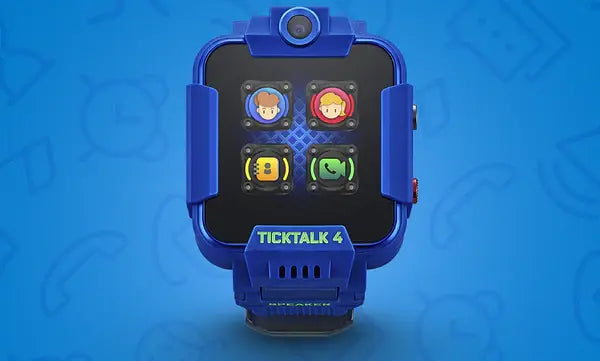
Updating your TickTalk App Operating System (OS)
To update your TickTalk App OS on both iPhone and Android devices, login to your TickTalk App, click on the gear icon to go to your Settings > My App > Software Update. You'll be able to see the version you...
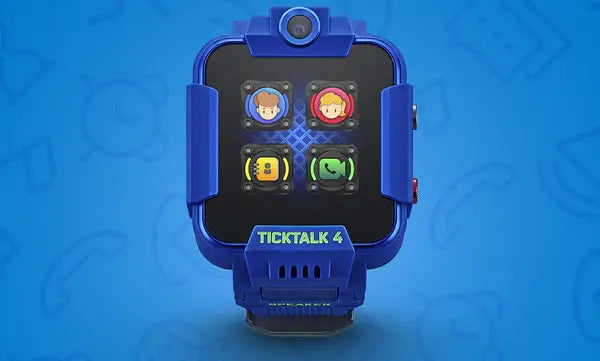
How to set up Wi-Fi Auto Connect on your TickTalk 4
Wi-Fi Auto Connect will automatically connect your TickTalk to your saved Wi-Fi connections so you don't have to manually connect every time your child returns home. Wi-Fi Auto Connect is a great way to save cellular data and improve battery...
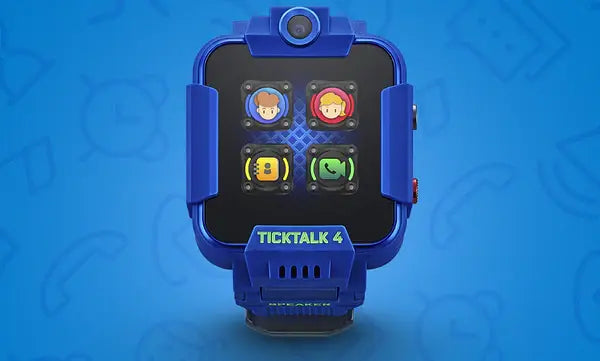
Can TickTalk set up voicemail?
Unfortunately, TickTalk does not have a voicemail box. However, you can send voice recordings in our Messaging Center so your child instantly receives your voice message.
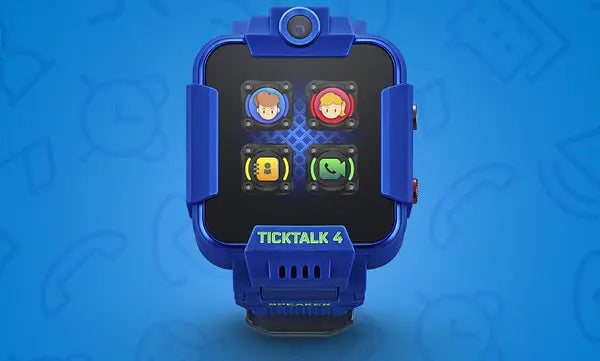
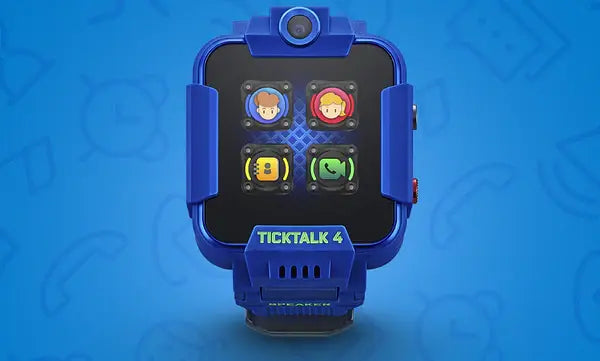
Pairing your TickTalk smartwatch with your TickTalk Parent App
Everything from calling, messaging, video calling, and parental controls with your TickTalk smartwatch happens in our secure parent TickTalk App. You'll need to pair your TickTalk App with your TickTalk smartwatch to begin connecting and using all of our parental...
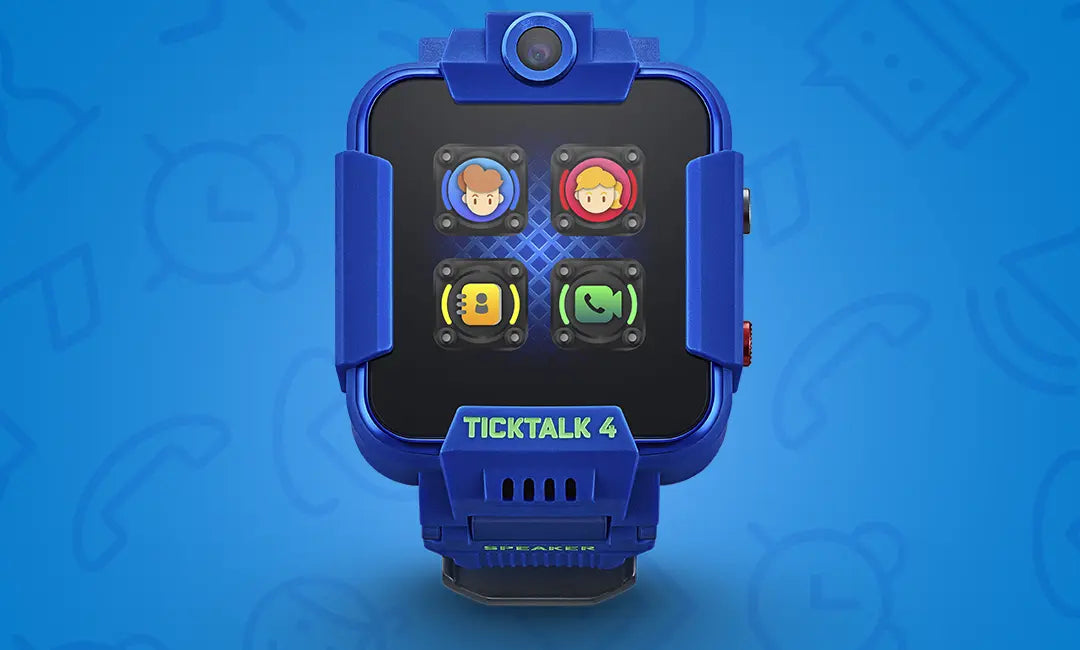
How To Solve Common Firewall Issues
Your child will not receive any unwanted phone calls when the Firewall is turned on. Once enabled, the watch will only receive calls and messages from preset contacts who have been approved by the Parent/Admin. How Do I Enable The Firewall?...
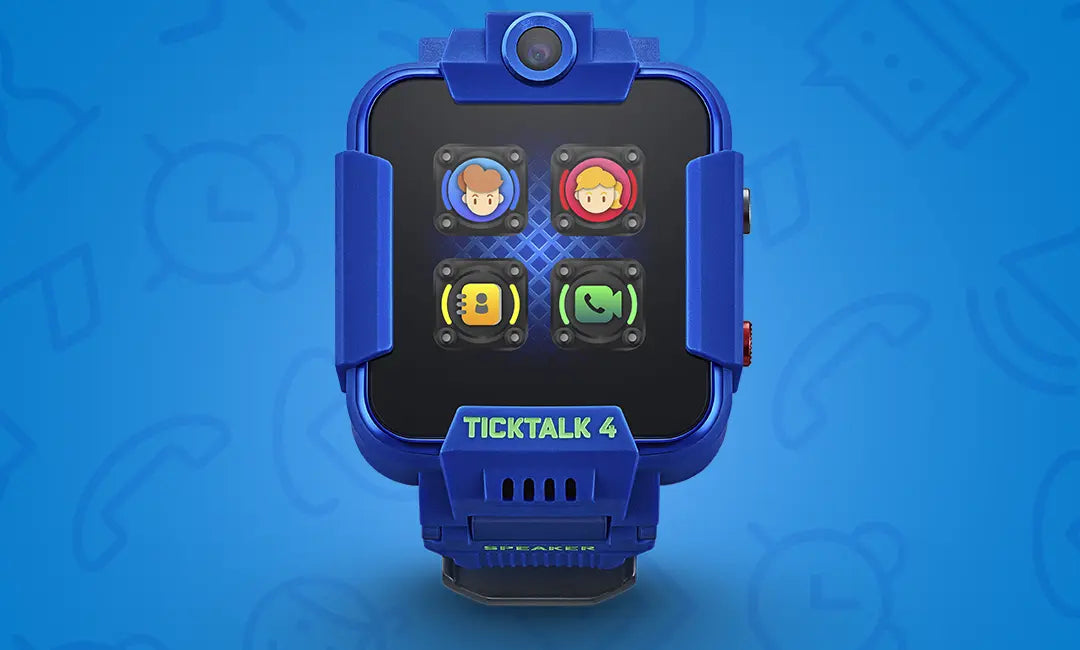
How To Solve Common Cellular Carrier Issues
TickTalk works like a standalone cell phone which requires a cellular plan with talk, text, and data on a GSM carrier. Here are some solutions for common issues: I'm Using My Own Carrier, But The Watch Features Are Not Working...
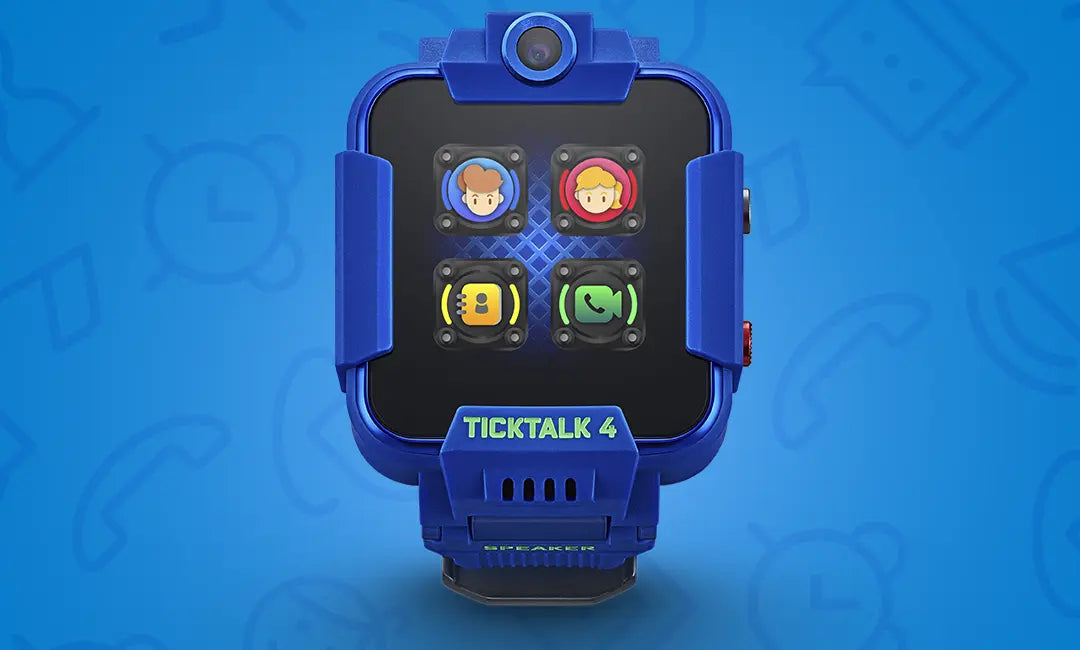
Go to your watch Settings > Reset to reset your TickTalk watch, then log out of the TickTalk App. When you reset your TickTalk, all the App settings will come back like contacts, settings, and reminders. However, you will lose photos...
How To Solve History Route Not Tracking
When on power-saving locating mode, the History Route will not be available. If you would like to enable History Route, go to the TickTalk App, select Settings, and switch the locating mode to Tracking Mode. Once turned on, the History...