

Blog
If you are seeing an offline message, your TickTalk isn’t connected to a cellular network or may be connecting and disconnecting frequently. To help identify the issue, please try the below: Confirm your settings Check that Airplane Mode setting is...
Where can I order a replacement charging cord?
For any TickTalk customers experiencing issues with their charging cord or needing a replacement, we will ship to you free of charge. To request a charging cord, please email support@myticktalk.com with your shipping address and we will ship out within 1-2...
How to switch your current plan to TickTalk Wireless
If you have an existing cellular plan with your carrier, but looking to switch to TickTalk Wireless, follow our step-by-step guide on switching your plan. STEP 1: REQUEST YOUR TICKTALK WIRELESS SIM & ACTIVATE Request a TickTalk Wireless SIM card from...
TickTalk showing "No Service" error message
If your TickTalk is showing a "No Service" error message, here are some tips on resetting your watch for this error message: Please ensure your SIM card is activated before you insert into your TickTalk Make sure your SIM card is installed...
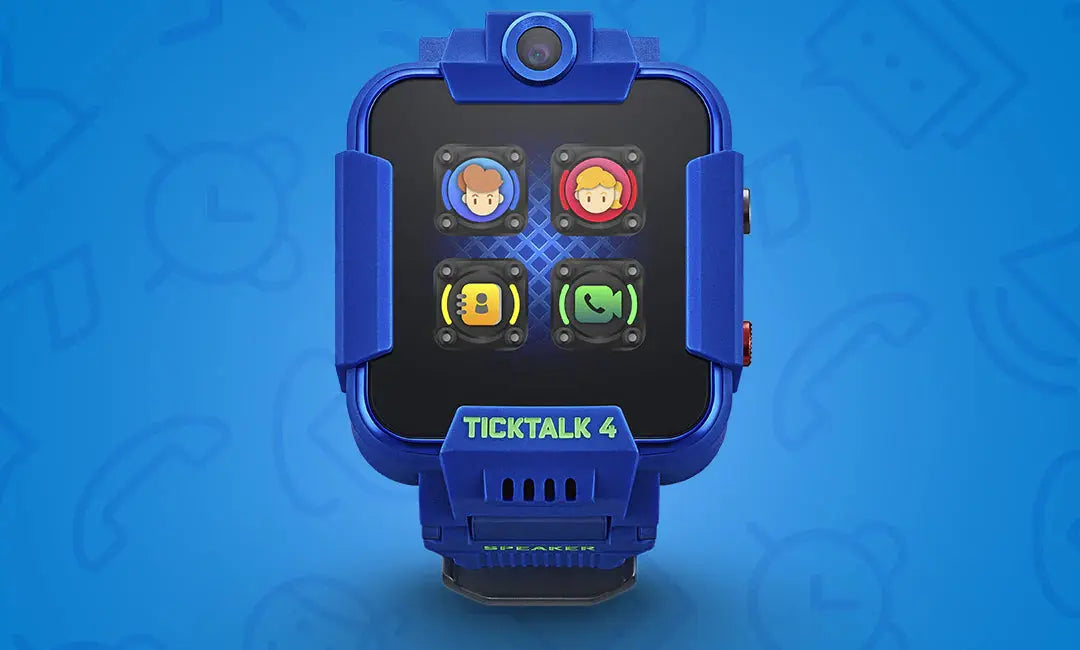
TickTalk showing "Offline" error message
If your TickTalk is showing an "Offline" error message, here are some tips to get your smartwatch back online: Go into your TickTalk watch Settings > Edit APN Please confirm the APN is on AT&T or T-Mobile depending on which carrier/service...
How can I delete my personal data and/or information?
We try to be as transparent as possible about the information we collect so that you can make an educated decision on how your information is used. You can access, correct, or delete this information at any time. If you’d...

How To Activate Multiple SIM Cards for Multiple TickTalk 4’s
Purchase multiple TickTalk 4 smartwatches for your children and looking to activate at the same time? We highly recommend setting up your individual TickTalk smartwatches one at a time as you’ll need to separately pair with your parent app. To...

Debunking 4 Common Myths About Smartwatches
Smartwatches have taken the world by storm, but there are some misconceptions about them. Here, we’ll debunk four common myths about smartwatches.
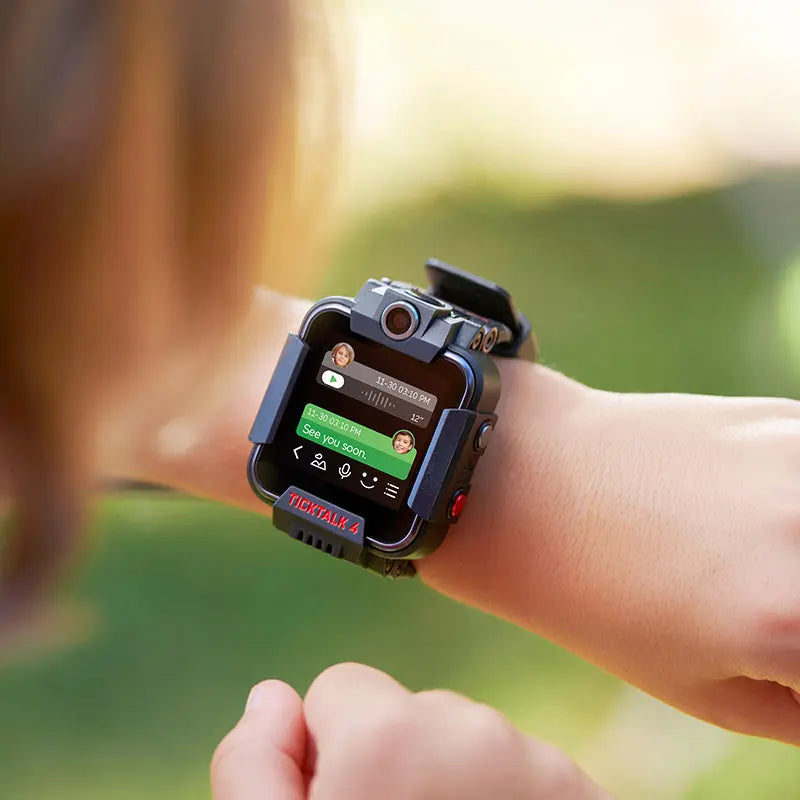
Looking for a safe cell phone alternative for your child, but have a few questions? Find answers to common questions below or email our dedicated SoCal customer service team. TickTalk works exactly like a cell phone (with training wheels) Your...